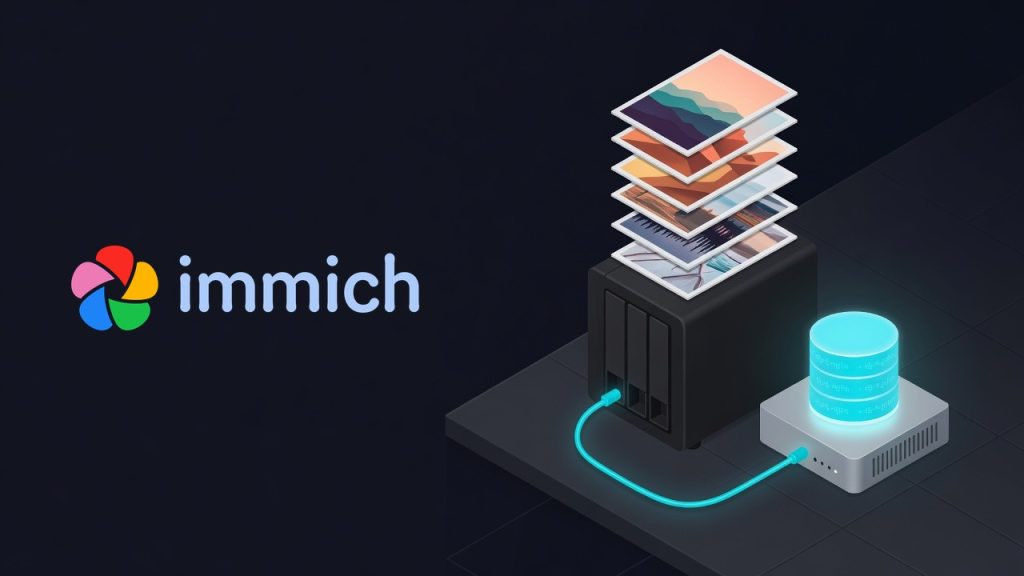
How to Run Immich With Your Photos on a NAS (and Keep the Database Local)
**You want Immich’s photo library on your NAS — that’s where the cheap terabytes are — but if you put the whole stack on the NAS, including its Postgres database, you’re asking for corruption and grinding slowness. The right split is simple: point Immich’s library at the NAS over NFS, and keep its Postgres database on the host’s local disk**. Photos are just files and live happily on a network share; a database does not.
What you’ll learn: the two settings that put your library on the NAS while keeping the database local, why Postgres-on-NFS is a trap, and the NFS mount options that actually matter for a photo library.
Evidence note: this is my own homelab Immich install — library on a NAS over NFS, database on the Docker host’s local SSD. Config values and mount options are the live setup; the NAS address is generalised.
Why split storage at all?
Immich has two very different kinds of state:
- The library — your original photos and videos, plus thumbnails. Big (mine is multiple terabytes), write-once-read-many, and a perfect fit for a NAS.
- The Postgres database — the index: albums, faces, smart-search vectors, metadata. Small, but hammered with random reads/writes and strict durability requirements.
Put both on the NAS and the library is fine, but the database inherits every quirk of a network filesystem. That’s the part that bites.
Why Postgres on NFS is a trap
Postgres relies on precise fsync durability and file-locking semantics to stay consistent. NFS has historically been weak or surprising on both — advisory locks, caching, and delayed writes that Postgres assumes are atomic. The result ranges from mysterious slowness to outright corruption after a network blip. The Immich project (and Postgres itself) say the same thing: the database must be on local, fast storage — not a network share.
It’s worse for Immich specifically: its Postgres image ships vector extensions (pgvecto.rs / vectorchord) for smart search, so the DB is doing heavy indexing work. That’s the last thing you want to route over NFS.
The setup: two env vars
Immich’s compose reads both storage locations from .env. Set them like this:
# Photo/video library → on the NAS (NFS mount)
UPLOAD_LOCATION=/mnt/immich-nas/library

# Postgres data → on the host's LOCAL disk
DB_DATA_LOCATION=/opt/immich/postgres
The compose file bind-mounts each:
# immich-server
volumes:
  - ${UPLOAD_LOCATION}:/data          # → /mnt/immich-nas/library (NAS)

# database
volumes:
  - ${DB_DATA_LOCATION}:/var/lib/postgresql/data   # → /opt/immich/postgres (local)
Confirm it’s actually landing where you think with docker inspect:
docker inspect immich_postgres --format '{{range .Mounts}}{{.Source}} -> {{.Destination}}{{println}}{{end}}'
# /opt/immich/postgres -> /var/lib/postgresql/data   ← local, good

docker inspect immich_server --format '{{range .Mounts}}{{.Source}} -> {{.Destination}}{{println}}{{end}}'
# /mnt/immich-nas/library -> /data                   ← NAS, good
The NFS mount options that matter
How you mount the NAS share matters as much as what you put on it. This is my /etc/fstab line (generalised NAS IP):
NAS_IP:/volume2/Immich /mnt/immich-nas nfs4 rw,noatime,vers=4.0,hard,proto=tcp,rsize=131072,wsize=131072,timeo=600,retrans=2,_netdev 0 0The ones that count:
hard, notsoft— on ahardmount, I/O retries until the NAS comes back instead of returning an error mid-write. For a media library you want the write to wait, not fail and risk a half-written file. Pair it with a sanetimeo._netdev— tells the system this mount needs the network, so it isn’t attempted too early at boot (and Docker waits for it).noatime— don’t write an access-time update every time a file is read; pointless churn for a photo library.rsize/wsize=131072— large read/write blocks (128 KB) suit big media files far better than tiny defaults.vers=4.0— NFSv4; pin the version so a client/server negotiation surprise doesn’t change behaviour under you.
Backups: they’re now two different jobs
Splitting storage splits your backup story, and that’s a feature:
- The library lives on the NAS — back it up with whatever protects the NAS (snapshots, replication).
- The database lives on the host — it’s small, so dump it regularly (
pg_dump/ Immich’s DB dump) to somewhere off the host. A library with no database is a folder of files with no albums, faces, or search; back up both.
A reusable checklist
UPLOAD_LOCATION→ the NAS/NFS mount.DB_DATA_LOCATION→ local disk. Never the reverse, never both on NFS.- Mount the share
hard,_netdev,noatime, largersize/wsize, pinnedvers. - Verify with
docker inspectthat the DB bind mount is a local path, not the NAS. - Back up the small local database separately from the big NAS library.
- If Immich feels slow or throws DB errors after a network hiccup, check the DB isn’t accidentally on the share.
Takeaway
A NAS is the right home for terabytes of photos and the wrong home for a database. Immich makes the split trivial — two env vars — so use them: library on the NAS over a hard NFS mount, Postgres on the host’s local disk. Get that one boundary right and the setup is rock-solid; get it wrong and you’ll be debugging phantom database corruption that a mount option caused.
AI assisted with drafting; the storage split, mount options, and the live config are from my own homelab.